Changelog

Follow new updates and improvements to Lamatic.ai.

Your S3 node is now a full file manager
Until now, the S3 node did one thing: watch a bucket and feed new files into a RAG flow. Useful, but limited: if you wanted to actually do something with a file, you were stuck writing custom code or bolting on another tool.

Not anymore. The S3 node now works in two modes, picked per node.

How it works
Trigger mode is the S3 node you already know: it watches a bucket on a schedule and syncs files into a flow for RAG. Unchanged, your existing flows keep working exactly as they did.

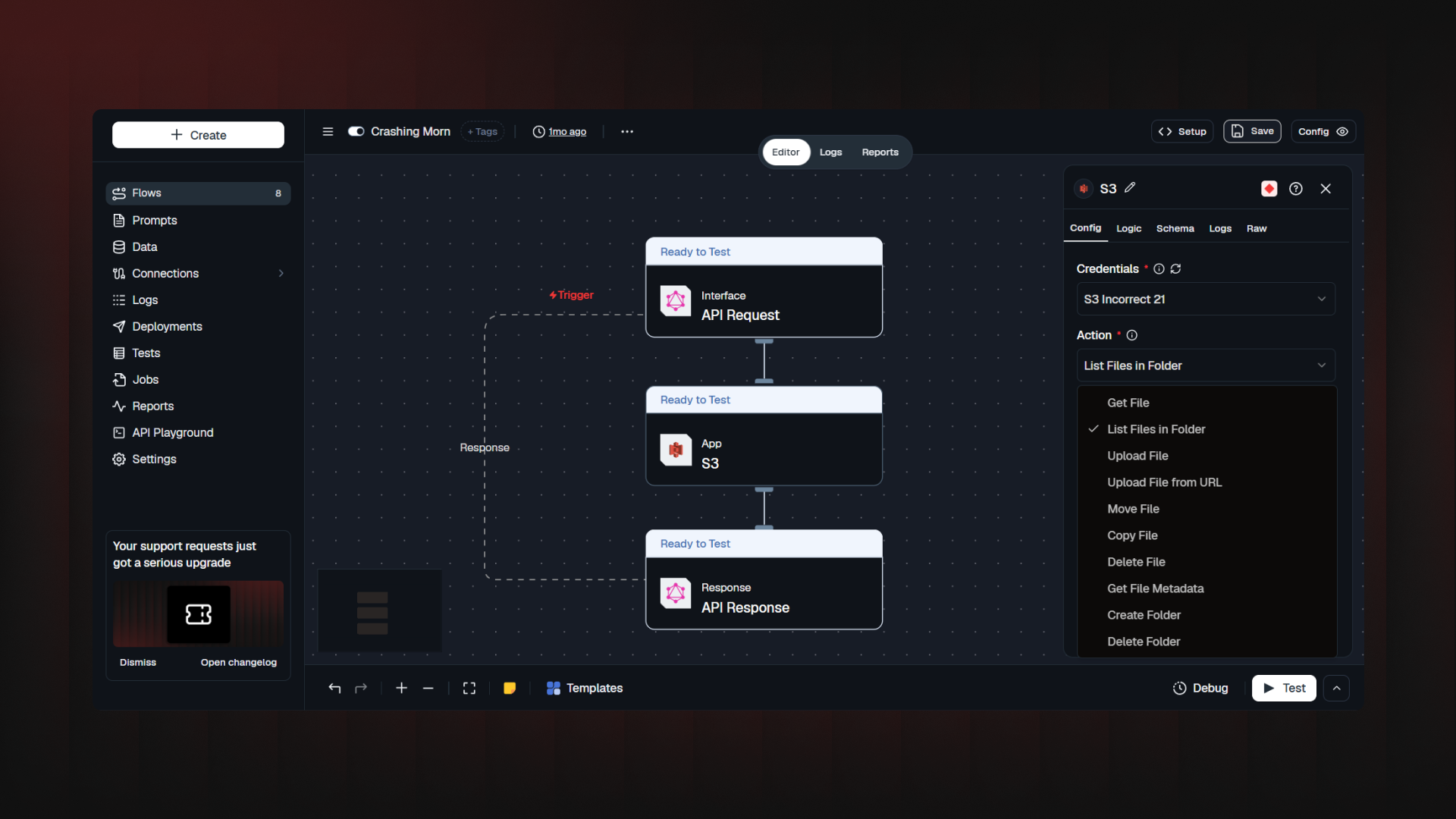
Action mode is brand new. Drop an S3 node anywhere in a flow and pick an operation from the Action dropdown: upload, fetch, list, move, copy, delete, check existence, read metadata, or manage folders. Ten operations, each showing only the fields it needs.

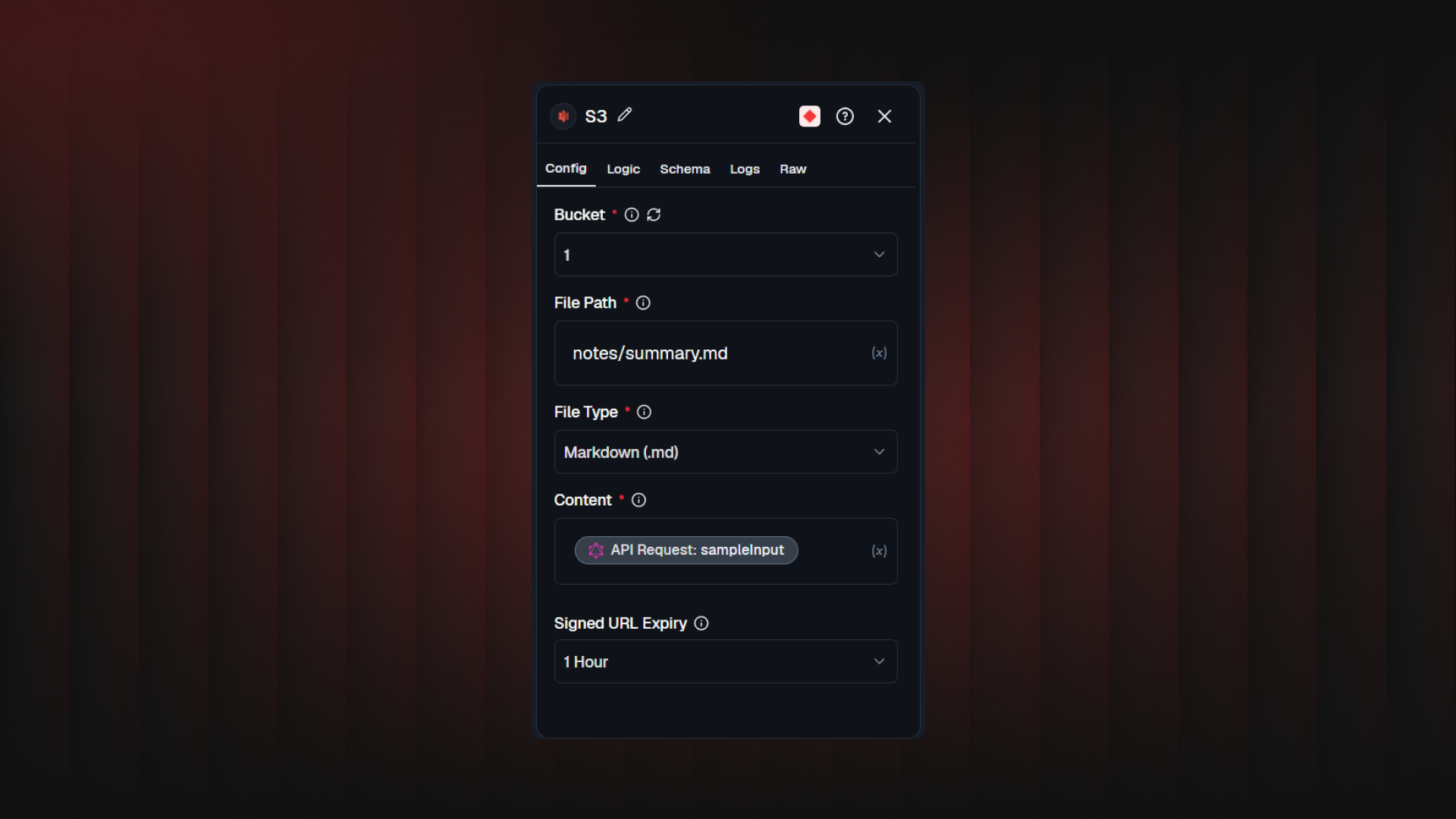
  • Upload File: write text, Markdown, JSON, CSV, or HTML into the bucket, straight from the flow. JSON gets validated before anything is written.

  • Upload File from URL: hands off a download to the bucket. Locked down since the URL is flow-controlled: only http/https, no private/internal addresses, capped at 100 MB / 120 seconds.

  • Get File / List Files in Folder: grab a signed URL for one file, or browse a folder with glob filtering.

  • Move / Copy File: relocate or duplicate files, even across buckets, with checks against overwriting a file with itself.

  • Delete File / Delete Folder / Create Folder / Get File Metadata: the rest of the toolkit.

Every action returning a URL lets you set Signed URL Expiry from 15 minutes to 7 days.

Also new: any S3-compatible provider, and clearer permissions

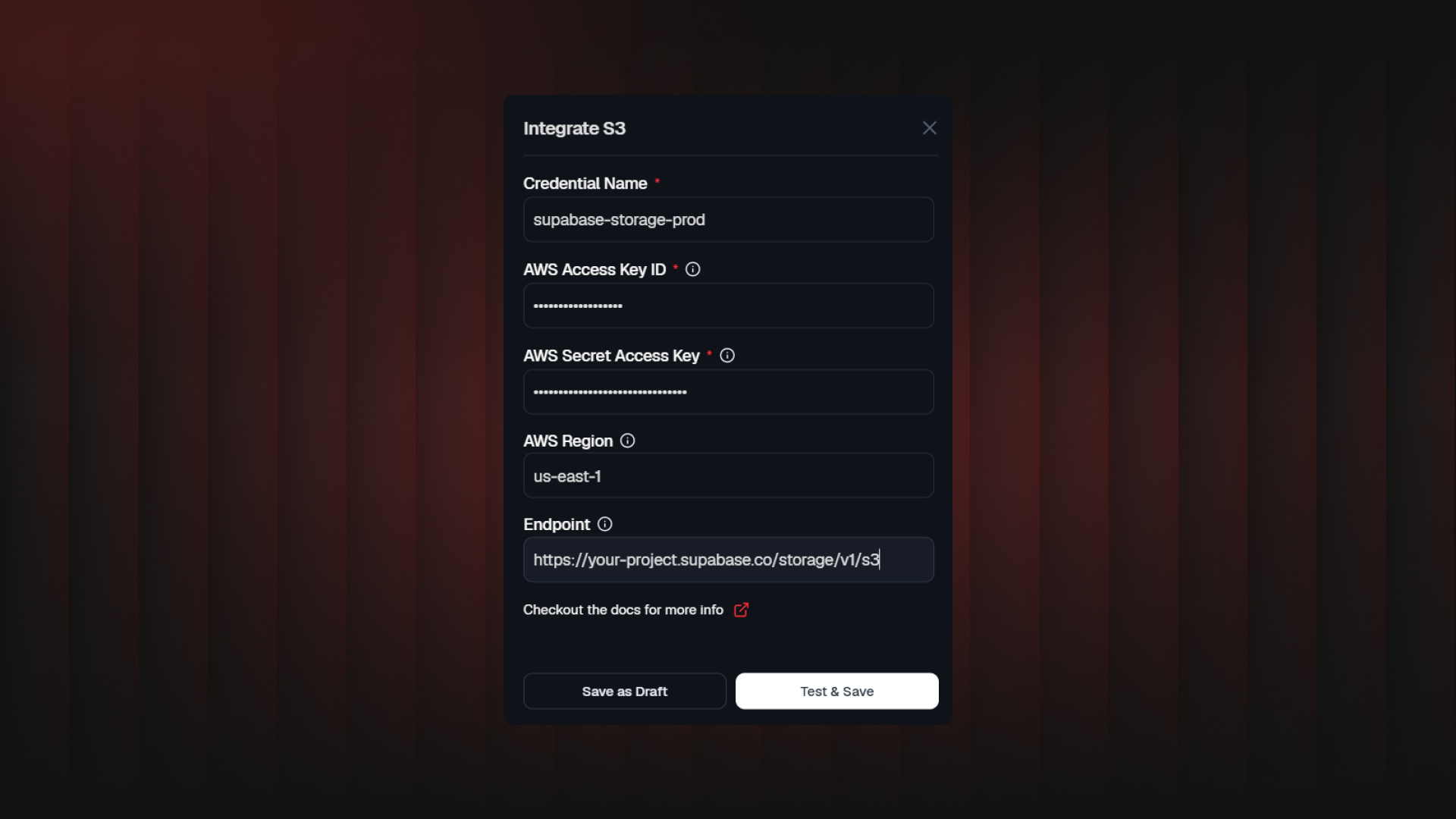
Point the new Endpoint field at Supabase Storage, MinIO, Cloudflare R2, or anything else speaking the S3 API; leave it empty, and it's AWS, as before. An AWS Region field was added too, used to sign requests correctly.
On the permissions side: Trigger mode still only needs read access. Action mode needs s3:PutObject (upload, copy, create folder) and s3:DeleteObject (delete, move) added to your IAM policy; we've documented a combined example so you're not guessing at the JSON.


One more small fix: Trigger mode's document_url used to be an s3:// path. It's now a signed HTTPS URL, valid for 5 hours, ready to use directly.
[Try it in Studio→]

MySQL Integration for AI Workflows: Direct Database Connections

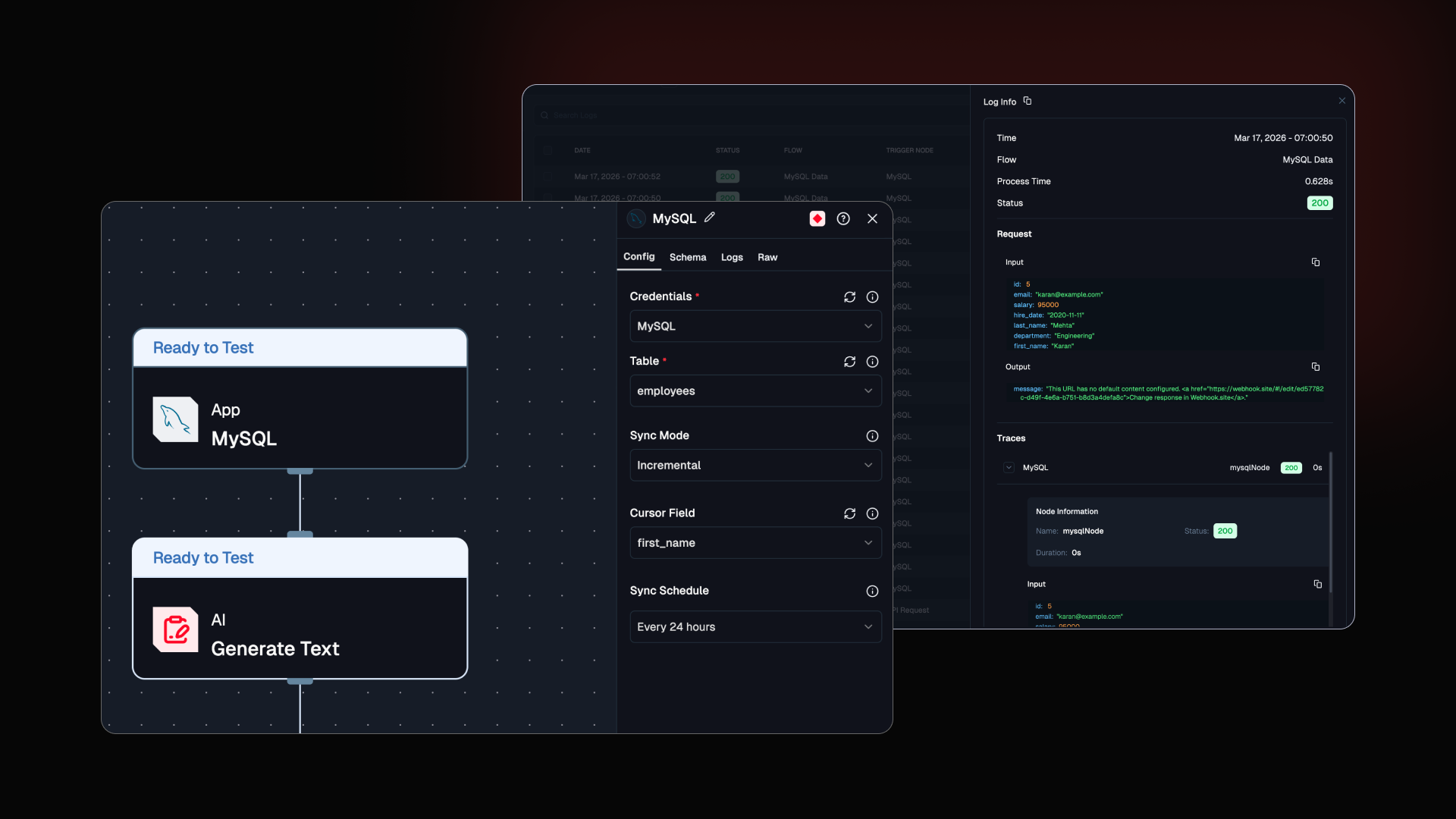
Your MySQL database can now talk directly to Lamatic. Use it as a flow trigger, a query layer, or both. Operational data straight into your RAG flows, copilots, and pipelines. No extra infrastructure. Just connect and build.

On public demand: Now Integrate and Sync MySQL databases directly into Lamatic

  • Scheduled Sync: Automatically pull MySQL tables into your flows on a set schedule.

  • Incremental Updates: Fetches only new or changed rows using a cursor, not the whole table every run.

  • SQL in Flows: Run custom queries as a step inside any workflow.

  • Full or Incremental Mode: Pick the sync strategy that fits your data volume.

  • SSL + SSH Tunneling: Secure connections, works out of the box.

MySQL docs→

Improved Three things that were quietly annoying people. Including possibly you.

  1. Retry System: Fixed retries replaying against stale data. They now use actual log data, so failures reproduce accurately instead of guessing.

  2. Logs: Fixed a blind spot, in-progress and timed out flow requests now show up.

  3. Studio UI: Fixed a round of small interface inconsistencies across the board.

Try it in Studio →

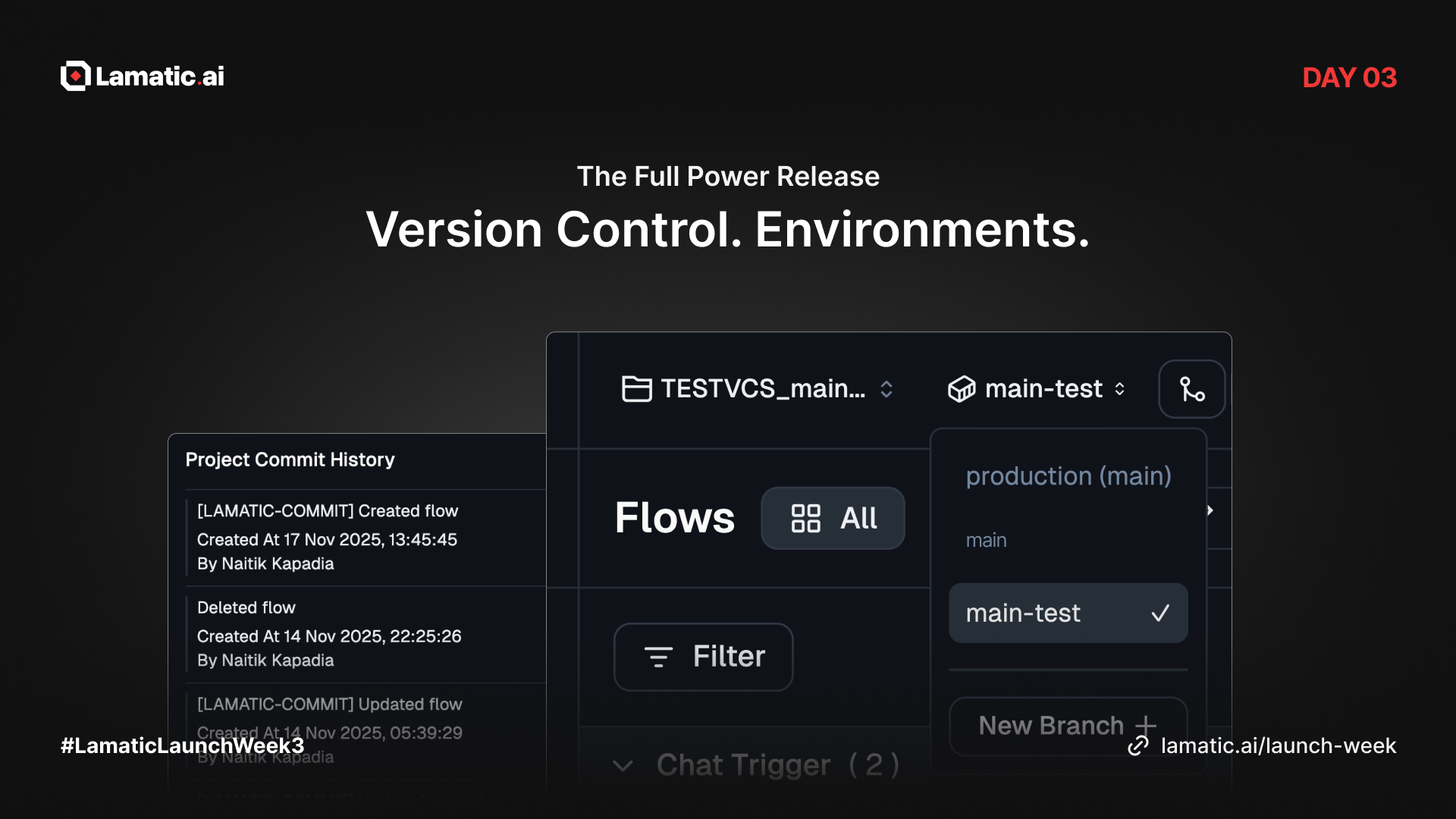
Introducing Version Control and environments

Today, we’re introducing two major upgrades that bring stability, safety, and structure to how you build and deploy with Lamatic. These updates solve core problems around tracking changes, testing safely, and managing production workflows with confidence.

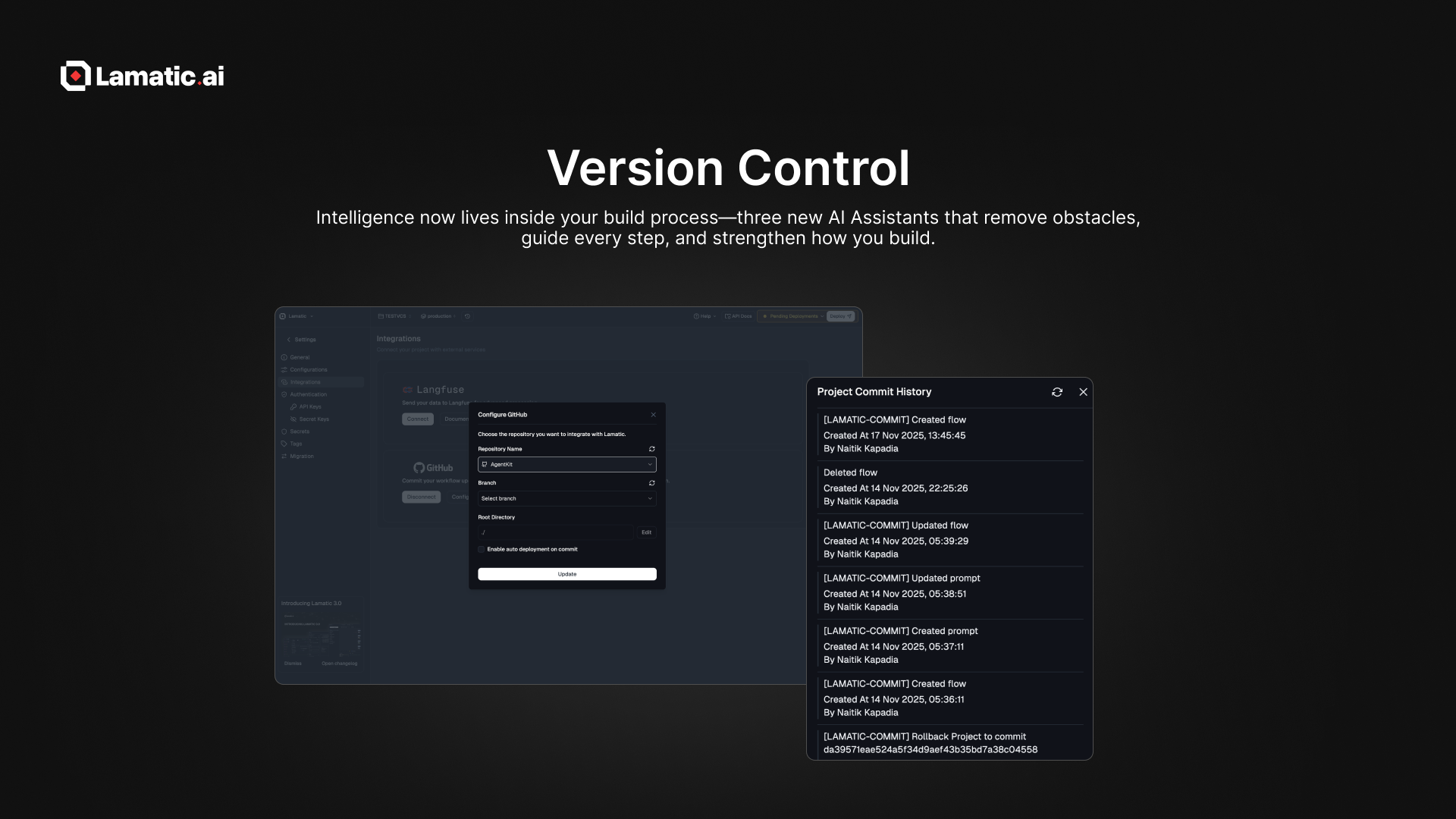
Version Control (Project-Level VCS)

We’re thrilled to introduce project-level version control, providing complete visibility and security across all your workflows. This allows you to track every change compare versions before restoring and duplicate past states for experimentation.

No more guessing what changed or losing stable configurations, Version Control makes your workflow consistent, auditable, and team-friendly.

With Lamatic AI full Version Control System at the project level, enabling you to:

  • Track every change across all flows

  • Revert to previous states instantly

  • Organize iterations cleanly

  • Debug and experiment safely

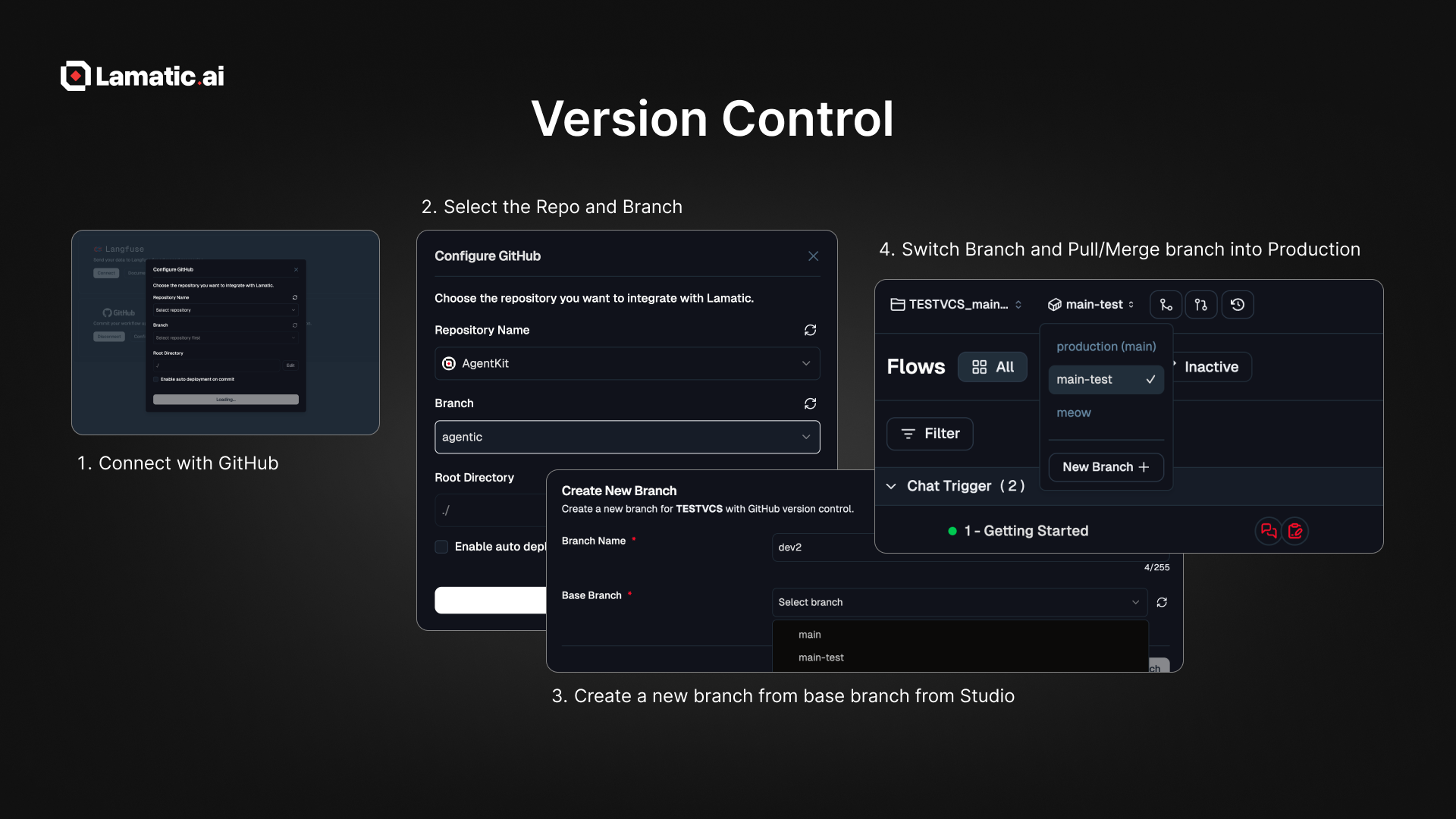
Enabling Version Control

This unlocks a more stable, repeatable, and scalable workflow for teams.

To implement:

  1. Go to Project Settings and Integrations.

  2. Connect to GitHub and select the repository and branch.

  3. Create a new branch from the base branch in the lamatic project.

  4. Switch to the new branch and pull or merge it into the production branch.

Docs → https://lamatic.ai/docs/version-control


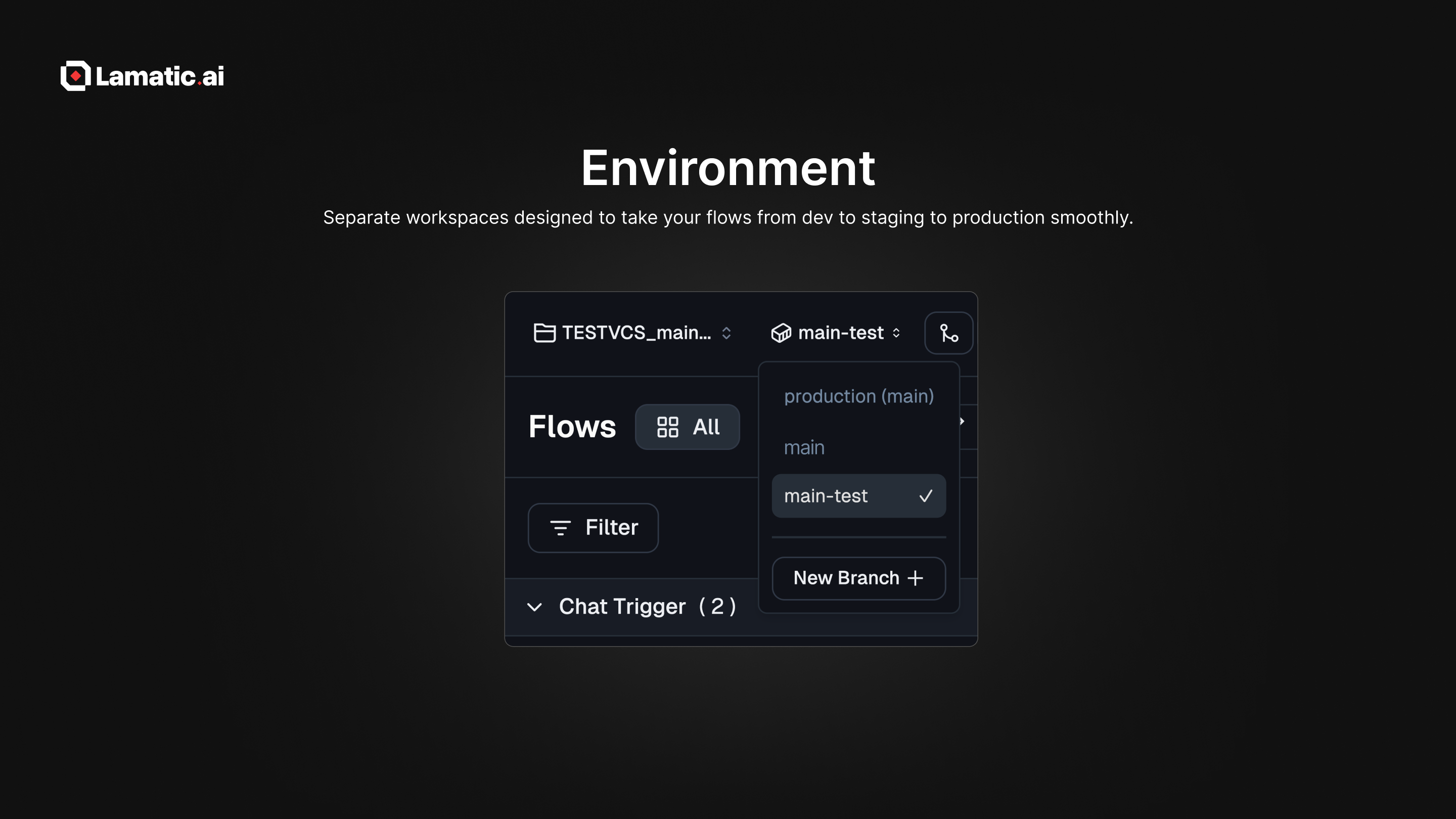
Manage Your Project with Environments

We’re excited to introduce Environments, a powerful new way to manage how your flows evolve from development to production. Each environment is an isolated workspace powered by branching (dev → staging → production).

Development → Staging → Production — now built directly into Lamatic.

Environments allow you to:

  • Create isolated workspaces

  • Develop and test safely without touching production

  • Use branching and merging to manage flow evolution

  • Run multiple versions of flows simultaneously

Each environment maps to a VCS branch, giving you full control over how and when changes move across stages.

Docs → https://lamatic.ai/docs/environment


🎉 Join Us for the Celebration

Lamatic.ai 3.0 | Product Hunt

We are launching our new release on Product Hunt! Your upvotes and comments mean the world to us.

Join us: https://lamatic.ai/launch-week

Earlier updates